Why a tool says "Not enough data" yet
Some tools compare this month with your own usual spending. Until you have about a month of real expenses, there is no usual to compare with, so they wait instead of guessing.
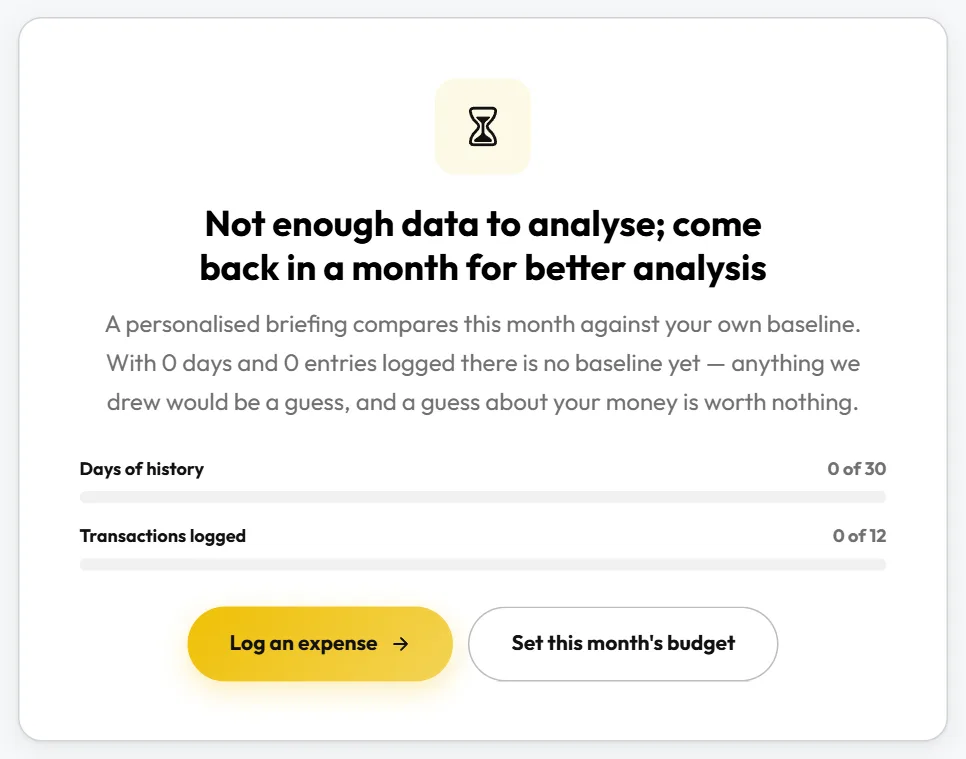
- 1Your progress toward 30 days and 12 entries
Why use it
So you know exactly how much history is still needed, and how to get there faster.
Before you start
- Signed in
How to do it
Read the two meters on the card: "Days of history" (out of 30) and "Transactions logged" (out of 12).
Tap "Log an expense" to add entries, or "Set this month's budget".
Add past expenses with their real dates. Days of history count from the date of your earliest expense, so backdated entries count straight away.
Come back once both meters are full. The tool then opens on its own.
What happens next: When both meters are complete, the tool shows its analysis instead of the waiting card.
The readiness check
The card reads "Not enough data to analyse; come back in a month for better analysis". It appears when you have fewer than 30 days between your earliest expense and today, or fewer than 12 expenses logged.
Only expenses count toward these meters. Practice entries never count.
- Limits, Subscriptions, Better price, Where it drains and Compare months on Moves.
- Personal briefings and "Run Daily Audit" in Digest (the button is disabled until you are ready).
- Recurring purchases.
Other places that need history
- The free trial opens after 30 real expense or income entries, with the first thing Pro notices. Moves shows "Add <n> more real entries" until 30, then "Your trial opens with the first thing Pro notices".
- Moves needs one full month to learn your usual before moves appear. Each category is compared with the middle value of the three closed months before, and a month with no spending in a category counts as zero.
- Spending shifts compares this month with the average of the previous three months.
- What you kept is verified only after a month closes. Your first result appears after the current month ends.
- Ahead and "Can I afford it?" need this month's plan: "Set this month's plan to see what is safe".
Why Savingy waits
Any analysis without a baseline would be a guess about your money. Savingy shows how close you are instead, and the rest of the app keeps working meanwhile.
Tips and examples
- Importing a bank statement is the quickest way to add several months of past expenses at once.
- Clear categories help: the tools group spending by category.
If something goes wrong
I have logged lots of income but the meters have not moved.
The meters count expenses only. Log or import your expenses.
Both meters look full but the tool still waits.
Reload the page. Days are counted in India time, so a day completes at midnight IST.