Join the Family waitlist
Until the family plan opens for your account, Profile shows a waitlist. Joining it only records your interest: your account and Pro access do not change.
Why use it
Join if you would like product updates about planning money together as a household.
Where to find itProfile › "Help shape a future household experience".
How to do it
Open Profile and scroll to the card "Help shape a future household experience".
Select "Join the waitlist".
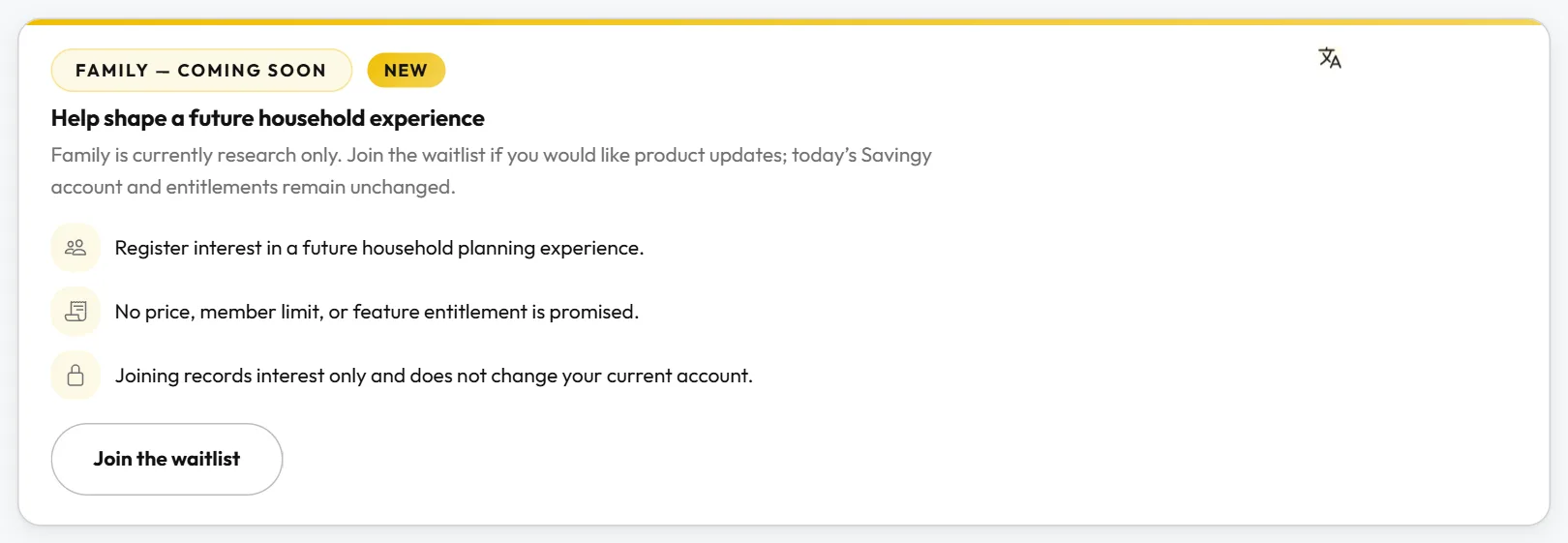
- 1Join the waitlist
What happens next: The card shows "You're on the list" in place of the button.
What joining means
- Joining records interest only and does not change your current account or entitlements.
- When the family plan opens for your account, the card on Profile changes to "Family plan".
If something goes wrong
"Could not join the waitlist. Please try again."
Check your connection and select "Join the waitlist" again.
You want to leave the waitlist.
There is no button for this. Contact support (/help-center/contact-support).
Related articles
Was this article helpful?