Change language, display currency and theme
Switch Savingy to Hindi, Bengali, Marathi, Telugu or Tamil, choose which currency symbol amounts are shown with, and flip between light and dark mode.
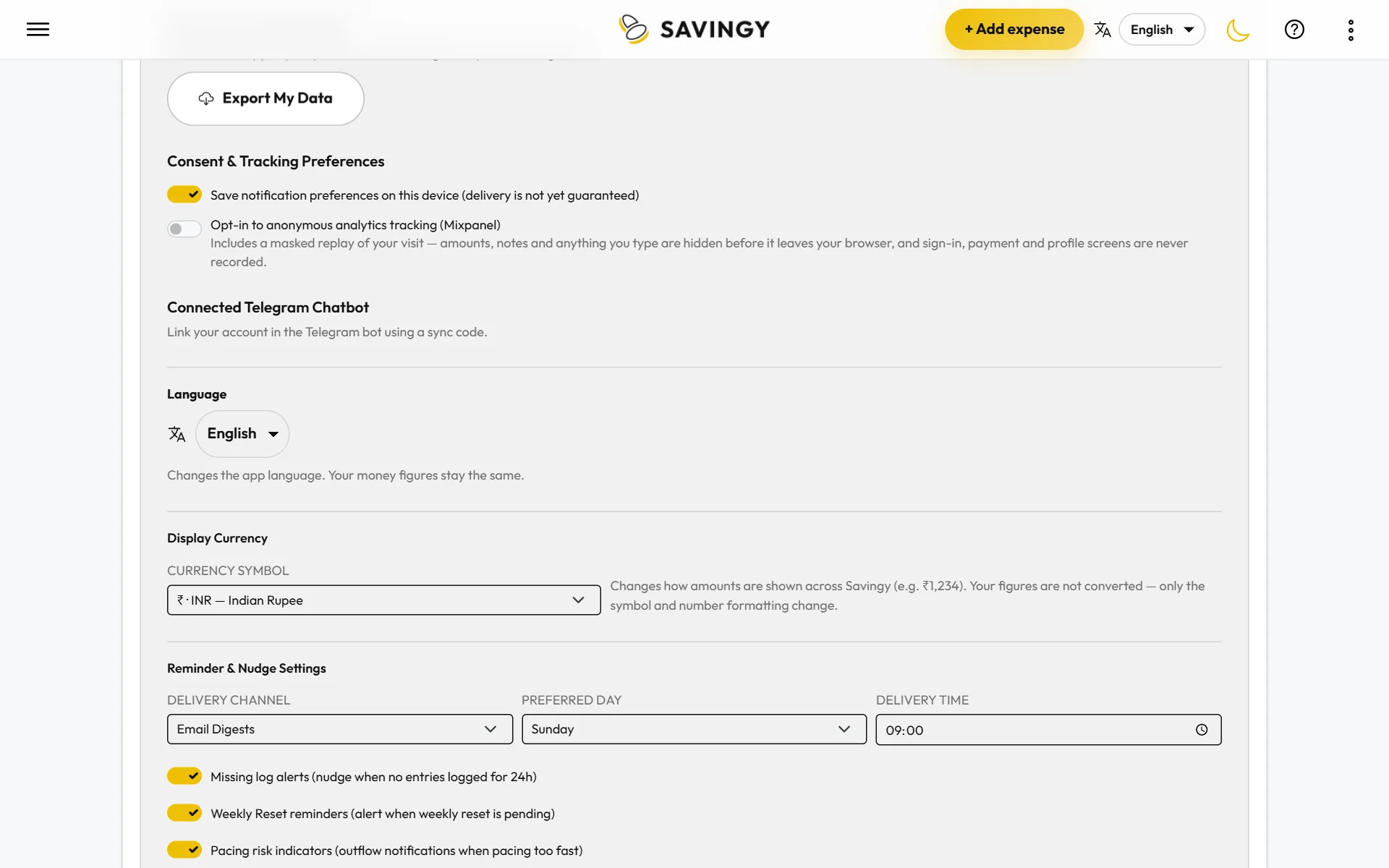
- 1Language
- 2Display currency
- 3Light or dark theme
Why use it
Use Savingy in the language you are most comfortable with, and in the look that is easiest on your eyes.
How to do it
Choose your language under Language in Profile or from the header’s More actions menu.
Currency: open Profile, find "Display Currency" and choose from "CURRENCY SYMBOL". You see "Display currency updated!"
Use the Dark mode switch in Profile to change between light and dark.
What happens next: Words, the currency symbol or the colours change straight away. Your amounts stay exactly the same.
Languages
Each language is listed in its own script: English, हिन्दी, বাংলা, मराठी, తెలుగు and தமிழ். Sign-in, sign-up, the menus, the bottom bar and the Today, Ask and Money labels are translated; most other screens stay in English for now.
Your choice is remembered in this browser only, so set it again on another device. Money figures never change when you switch.
Display currency
Choices: ₹ Indian Rupee, $ US Dollar, € Euro, £ British Pound, AED UAE Dirham, A$ Australian Dollar, C$ Canadian Dollar, S$ Singapore Dollar and ¥ Japanese Yen.
This is display only. Amounts are never converted: a ₹500 expense shown with $ reads $500. Savingy is built for rupee budgets, and Pro is always priced and paid in ₹.
The choice is saved to your account. On another device, open Profile once so it picks up your setting. A few screens, such as Accounts and the Purchase Planner, always show ₹.
Theme
Dark mode lasts while the tab stays open. A new tab or a new browser session starts in light mode. Profile preferences become available after guided setup.