Contact Savingy support
Email support@savingy.com or call +91 94339 58435 during support hours. The Contact page form opens your own email app; it does not send the message for you.
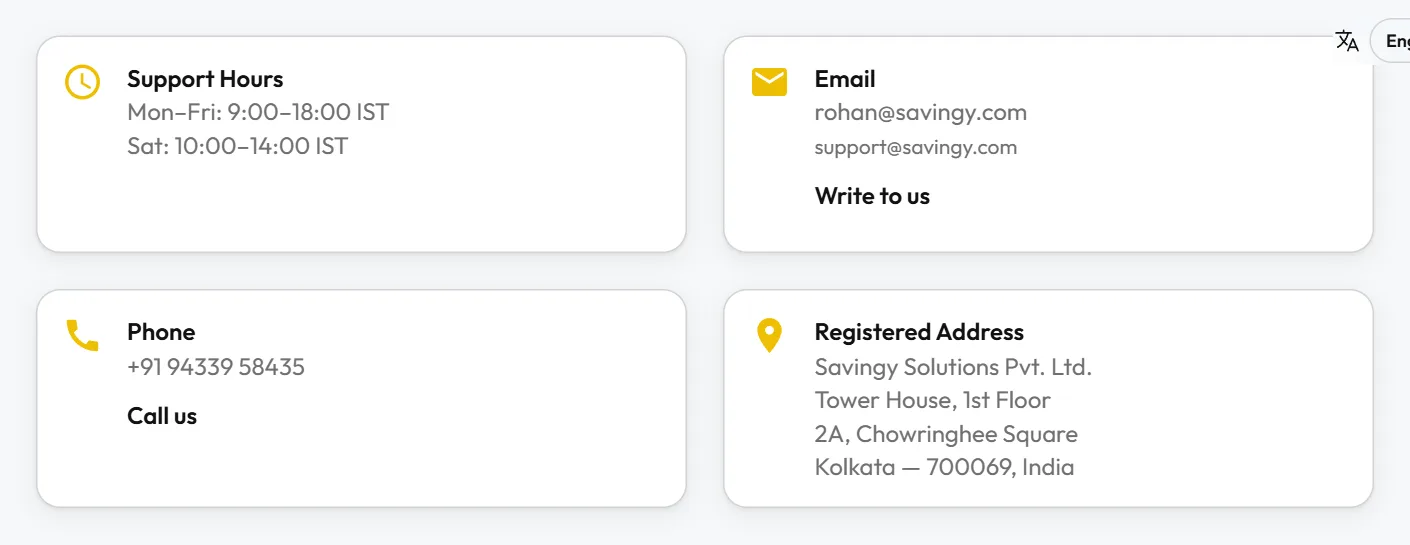
- 1Support hours
- 2Email addresses
- 3Phone
Why use it
When the Help Centre doesn't answer your question, or something about your account or a payment needs a person to look at it.
How to do it
Search the Help Centre first. The answer to most questions is here.
Open the Contact page.
Under "Send us a message", fill in "Your Name", "Email" and "Message". "Phone (optional)" and "Subject" are optional. Choose an "Inquiry Type": Sales, Support, Partnership or Other.
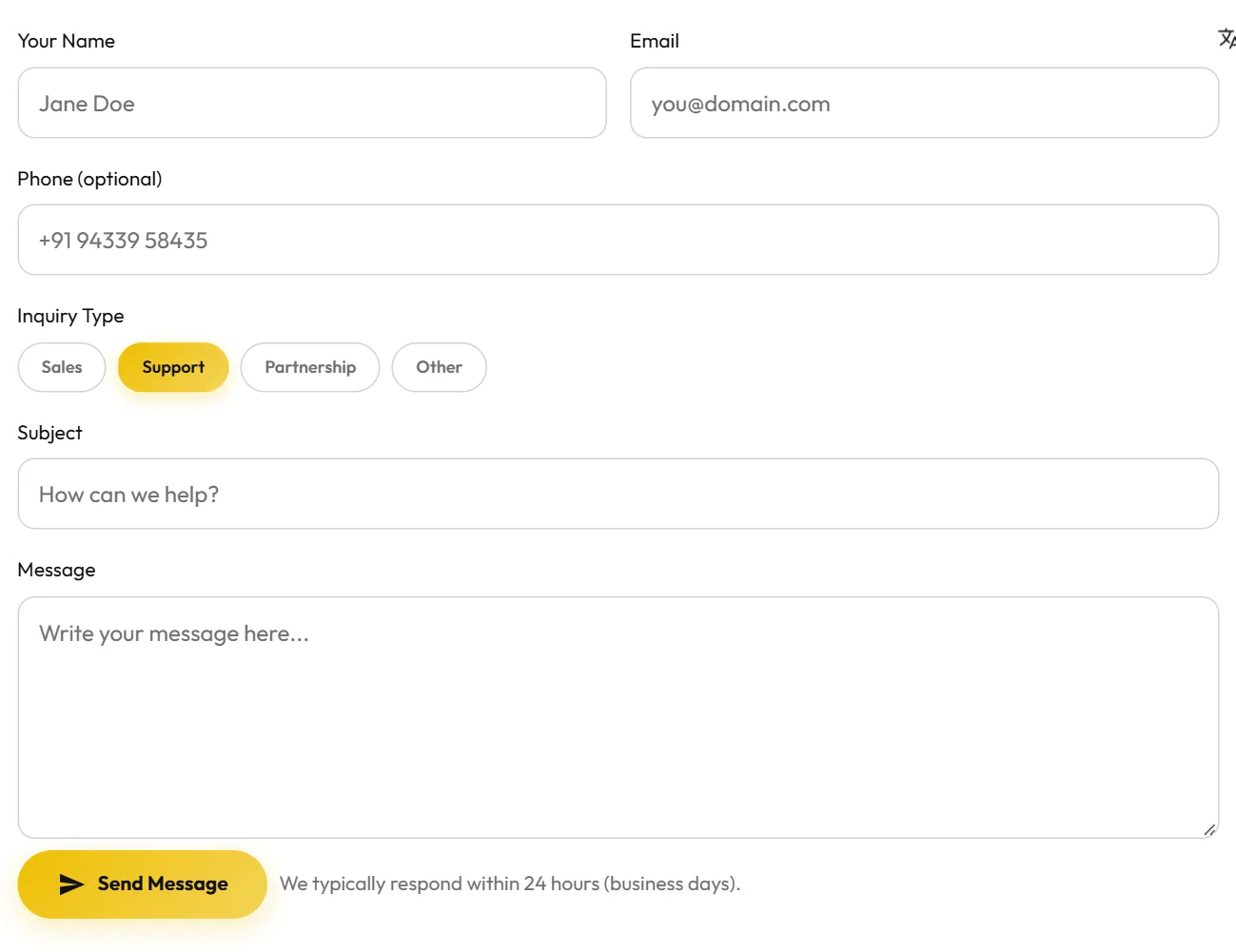
- 1Opens your email app
Tap "Send Message". Your device's email app opens with a new email to rohan@savingy.com, already filled in with your details and message.
Press send in your email app. The message is sent from your own email account, not by Savingy.
What happens next: Your email app shows the message ready to send. Once you send it, Savingy receives it.
What to fill in
| Field | What it needs |
|---|---|
| Your Name | Required. Empty shows "Please enter your name." |
| Required, a valid email address. Shows "Please enter your email." or "Please enter a valid email." | |
| Phone (optional) | Optional. If you fill it in it must have 7 to 15 digits, otherwise "Please enter a valid phone." |
| Inquiry Type | Sales, Support, Partnership or Other. Support is selected at first. |
| Subject | Optional. If empty, the email subject is "Savingy <Inquiry Type> Inquiry". |
| Message | Required. Empty shows "Please enter a message." |
Ways to reach Savingy
- Email: support@savingy.com. The Contact page also lists rohan@savingy.com, the founder's address.
- Phone: +91 94339 58435. "Support Hours": Mon–Fri 9:00–18:00 IST and Sat 10:00–14:00 IST.
- Privacy requests about your data: privacy@savingy.com, as listed on the Privacy Policy page.
- Post: Savingy Solutions Pvt. Ltd., Tower House, 1st Floor, 2A, Chowringhee Square, Kolkata — 700069, India.
When to expect a reply
The Contact page says the team aims to reply within 24 hours on business days.
What to include
- The email address of your Savingy account.
- What you were trying to do, and on which screen.
- Any message Savingy showed, copied word for word, and a screenshot if it helps.
- Whether you were on the website or the Android app, and your browser or phone.
- For a payment: the date, the amount and the Razorpay payment ID (it starts with "pay_"). See /help-center/payment-taken-pro-locked.
Never share these
Savingy will never ask for your password, an OTP, your card number or CVV, or your UPI PIN, by email, phone or any other way. Do not include them in a message or a screenshot. If someone asks for them in Savingy's name, do not reply, and tell support@savingy.com.
If something goes wrong
I tapped "Send Message" and saw "Thanks! Your email app should open now…" but no email app opened.
Nothing was sent. Your device may have no email app set up. Email support@savingy.com directly from any email account instead.
I don't know whether my message arrived.
Check the Sent folder of your email account. If it isn't there, it wasn't sent.