Find purchases you make again and again
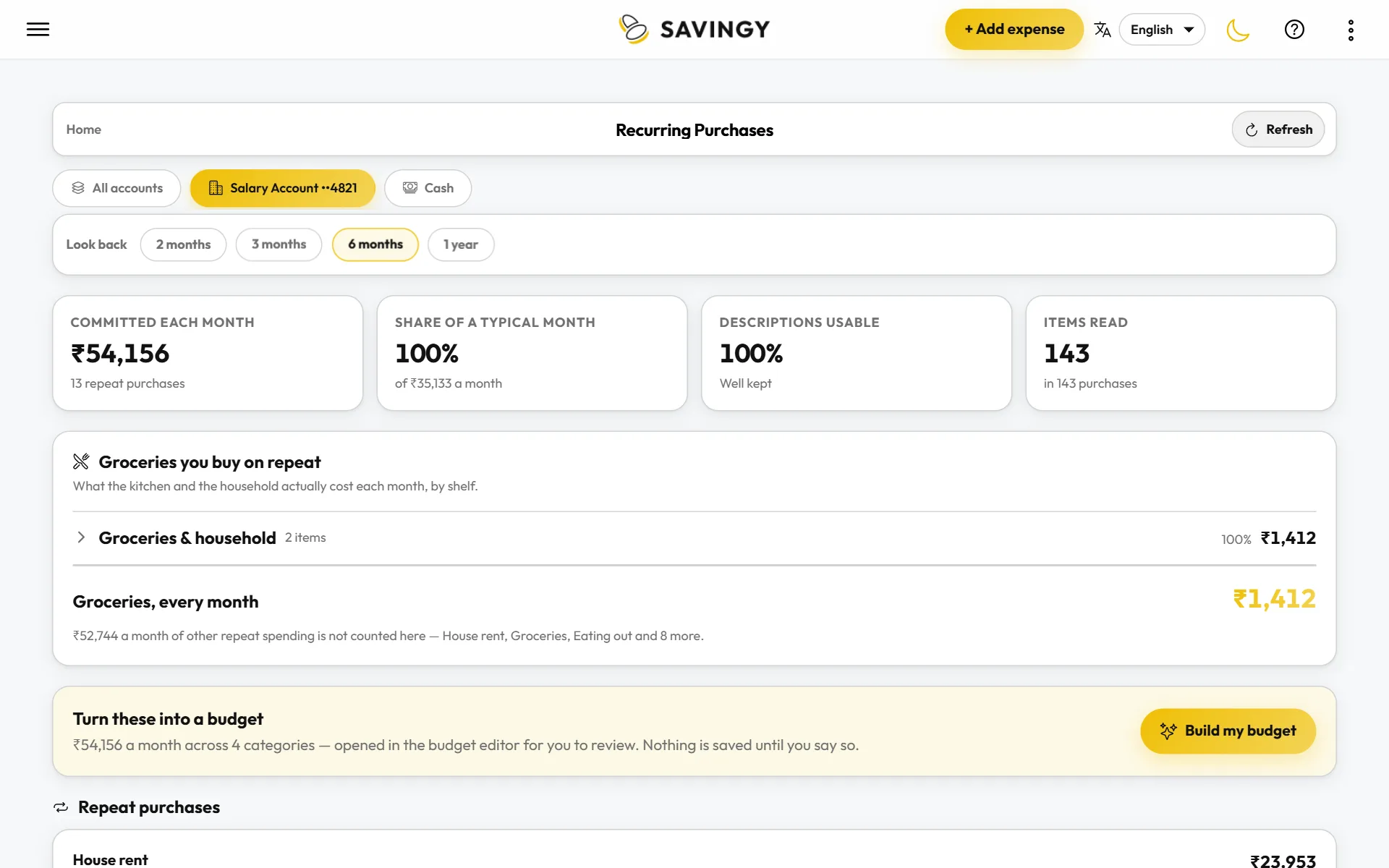
Recurring Purchases reads your expense descriptions to find things you buy repeatedly, shows what they commit you to each month, and can turn them into a budget for you to review.
Why use it
It shows the part of your month that's already decided, so you can plan for it or cut it.
Before you start
- You are signed in and have finished the guided start (Level 0).
- A few months of expenses with descriptions, such as the shop or item name.
How to do it
Open Recurring Purchases.
Under "Look back", choose 2 months, 3 months, 6 months or 1 year.
Read the figures: "Committed each month", "Share of a typical month", "Descriptions usable" and "Items read".
Scroll through "Repeat purchases", "Groceries you buy on repeat" (by shelf) and "Might be starting".
To plan for them, press "Build my budget" under "Turn these into a budget". The Budget Planner opens with the suggestions filled in. Nothing is saved until you save there.
What happens next: You see what repeats, how often, and what it costs you each month.
What counts as recurring
Something bought at least three times, in three different months, within the look-back window. Grocery items Savingy's word list doesn't recognise may be sorted by Savingy AI; those are marked "AI".
Better descriptions, better results
If many entries have no description or a vague one, you see "Your descriptions are … — …% usable" with examples. Press "Show me how to write these" for tips, then fix a few entries in Tracker.
Accounts
Choose the account at the top. After switching account, press "Refresh" to read that account's purchases.
If something goes wrong
Nothing repeated three times yet
Try a longer look-back, or improve descriptions on recent entries.
A message says a recurring-purchase review needs more data.
Keep logging for a few more weeks. You can log an expense or set this month's budget from that message.
We could not review your recurring purchases right now.
Press "Retry". If it keeps happening, try again later.