Fix a "Page not found" (404) screen
"Lost in the Numbers?" means the address you opened does not exist in Savingy. Use the shortcuts on the page or the menu to get back.
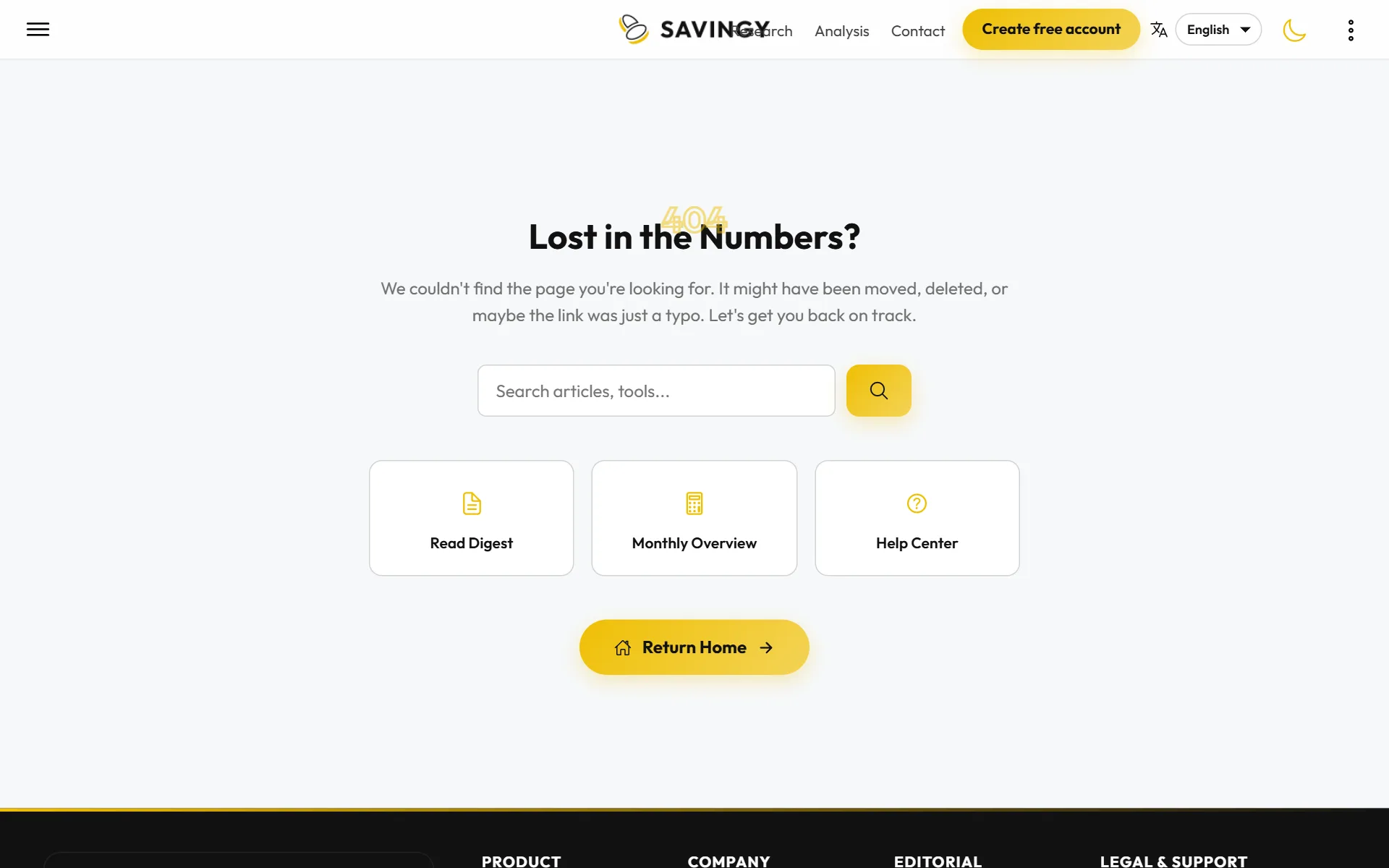
- 1Lost in the Numbers?
Why use it
Get back to where you meant to go after a broken or old link.
Where to find itAny address Savingy does not recognise.
How to do it
Check the address for a typing mistake and try again.
Or use a shortcut on the page: "Help Center", "Return Home", "Read Digest" or "Monthly Overview".
If you are signed in, the quickest way back is to open savingy.com/today, or use your browser's Back button.
Where the shortcuts go
- "Help Center": the Help Centre home.
- "Return Home": Savingy's public home page.
- "Read Digest": your briefings. You need to be signed in.
- "Monthly Overview": your Plan for this month. You need to be signed in.
Why you might see it
- A link was mistyped or cut short.
- An old link points to an address that has been retired.
- A shared link to a calculator that does not exist opens the main Calculators page instead of this screen.
If something goes wrong
Searching from the 404 page shows the 404 page again.
The search box on this page does not work at the moment. Use the search on the Help Centre home instead.
The menu disappeared when I hit the 404 page.
The 404 page always uses the public layout. Go to savingy.com/today and your menu is back.
The shortcut cards do not respond to the keyboard.
Use a mouse or tap, or type the address directly: /help-center or /today.
Related articles
Was this article helpful?