Get personal money briefings in Digest
Digest is a feed of money briefings, including private briefings written from up to six months of your own records. With Pro, "Run Daily Audit" writes new ones for you.
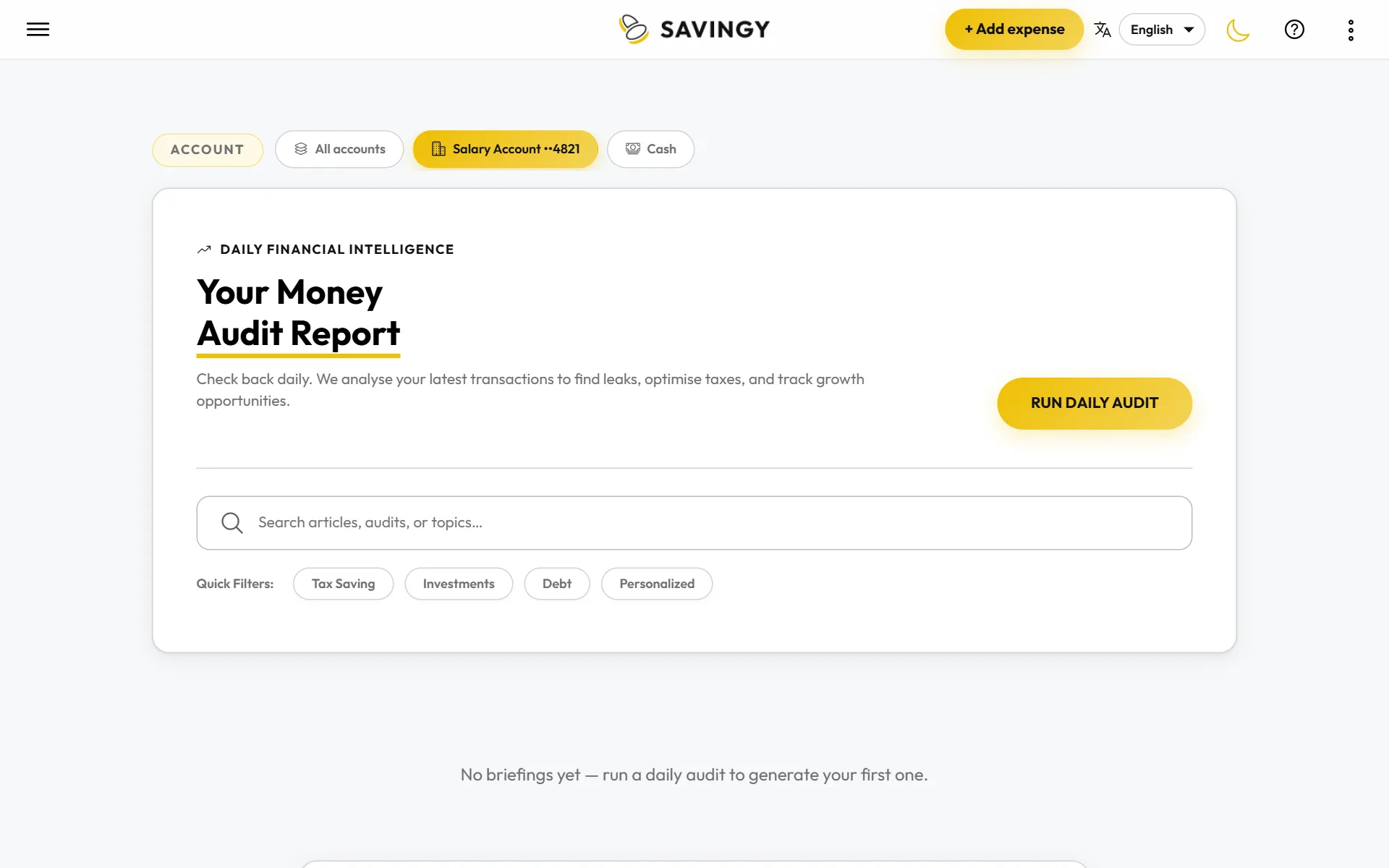
- 1Search and quick filters
Why use it
A longer read about your own money: where it leaks, what changed and what to look at next.
Pro: Digest is part of Pro. Without Pro, the feed is blurred under "Digest Intelligence is a Savingy Pro feature" and "Run Daily Audit" shows a locked preview with a way to get Pro. After Pro ends, Digest shows "Your Pro access has ended" with "Continue on Free". See what Pro includes.
Before you start
- Signed in
- Pro or an active trial
- At least 30 days of history and 12 expenses for personal briefings
How to do it
Open "Statement", scroll to "Read, print or export" and tap "Your money briefings".
Tap "Run Daily Audit". The button shows "Analysing…", then the page says "Savingy AI is writing your briefings. They will appear here in a few minutes."
Stay on the page or come back later. New briefings appear at the top, marked "FOR YOU".
Tap a briefing to read it.
Use the "Search articles, audits, or topics…" box or a Quick Filter ("Tax Saving", "Investments", "Debt", "Personalized") to find one. Tap "Load Older Briefings" for earlier ones.
What happens next: Up to two new personal briefings appear in your feed, visible only to you.
How briefings are written
"Run Daily Audit" sends a short summary of up to six months of your records to Savingy AI, which writes up to two briefings. They are saved to your account and only you can see them. AI can make mistakes, so check any figure against your own entries.
Limits
- Two Savingy AI briefings a day, counted by India time.
- The button is disabled until you have enough history: see /help-center/not-enough-data-yet.
- Search and Quick Filters look at briefing titles.
Premium briefings without Pro
If you open a premium briefing without Pro, you see a short preview. You can get Pro or unlock just that article: see /help-center/unlock-premium-articles.
If something goes wrong
"Daily limit reached! Savingy AI generates only 2 deep-dive reports per day."
You have used today's two briefings. Try again tomorrow.
"Your briefings are taking longer than expected. They will appear here when they are ready — check back in a few minutes."
Savingy waited six minutes. Leave it a little longer and reload Digest.
"Not enough data to analyse; come back in a month for better analysis"
Add more expenses, including past ones with their real dates. See /help-center/not-enough-data-yet.
"Could not generate the report. Please try again later." or "Failed to load the digest."
Check your connection and try again later.