When your paid Pro period ends
Paid Pro stops on its end date with no automatic renewal. You get reminders before, can add time in the last week, and keep all your data on Free afterwards.
Why use it
So the end date is never a surprise and you can decide whether to add more time.
How to do it
Check your end date in the chip under Moves, Ahead or Statement ("Pro is active until <date>") or in Profile › "Pro access" ("Pro until <date>").
Savingy emails a reminder 7, 3 and 1 day before the end, with a link to Moves.
In the last 7 days, Moves shows a "Keep Pro" card. Choose "Add 30 days · ₹149" or "Add 365 days · ₹1,188". The new period starts after your current end date, so no day is lost. Tap "Not now" to hide the card.
If you don't add time, Pro ends on that date. Moves, Ahead and Statement then show "Your Pro access ended on <date>" with "Restore Pro", "Continue on Free" and "Compare plans".
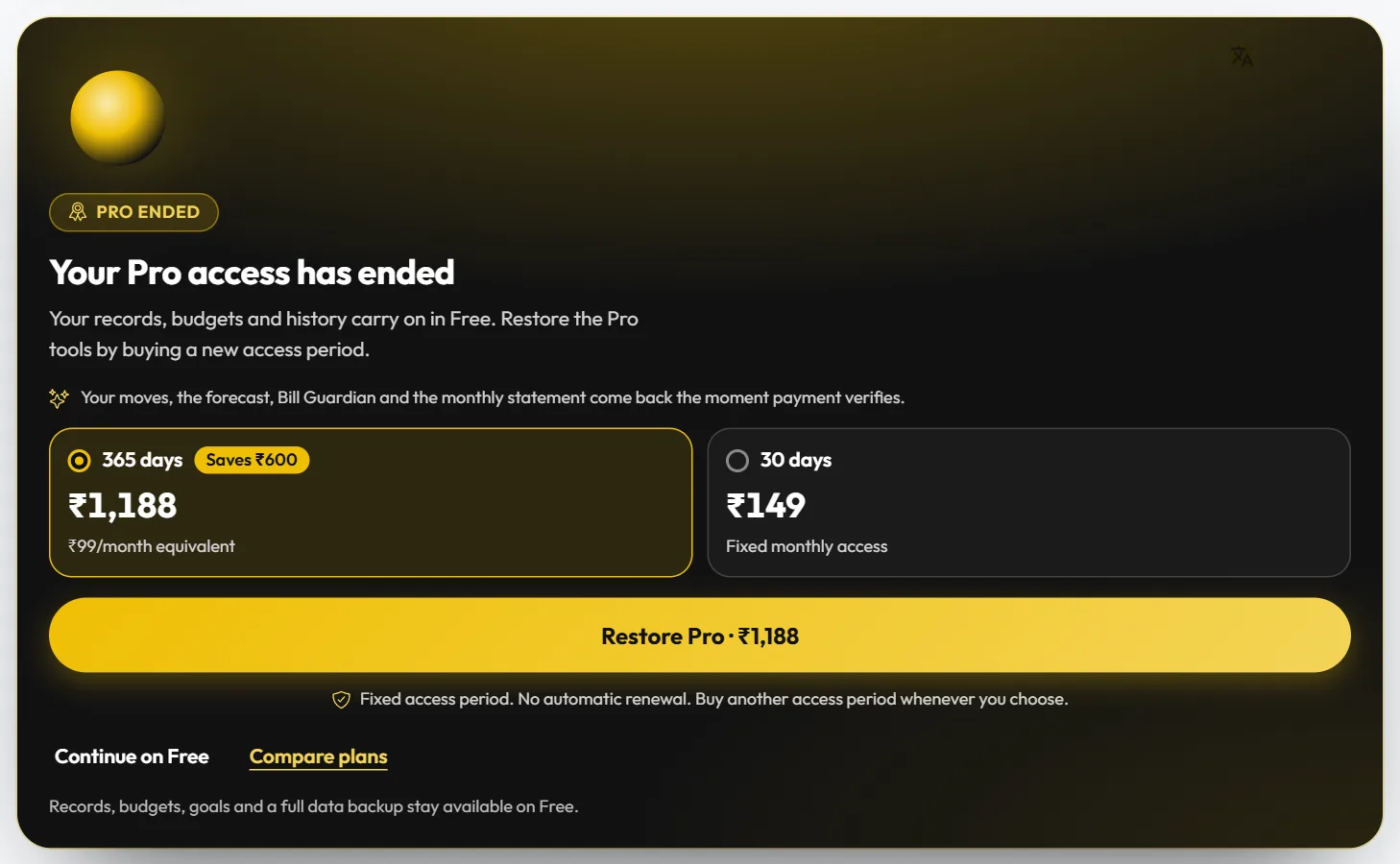
- 1When your access ended
- 2Buy a new period
What happens next: Either your Pro continues with a new end date, or you are back on Free with all your records, budgets and goals.
What changes on Free
Your records, budgets, goals and history stay. The Pro tools show an unlock card until you buy another period. Today shows "Pro ended" with "View Pro options", the menu card shows "Pro ended" with "Review Pro options →", and Profile › "Pro access" shows "Pro ended" with "See plans".
Nothing to cancel
Pro on the website is a fixed access period. Nothing renews automatically and no card is kept on file for later payments, so there is nothing to cancel.